
Connect existing business systems to notifications, verification and customer interaction.
- API and protocol access
- SMS and multimedia messaging
- Two-way replies and private deployment
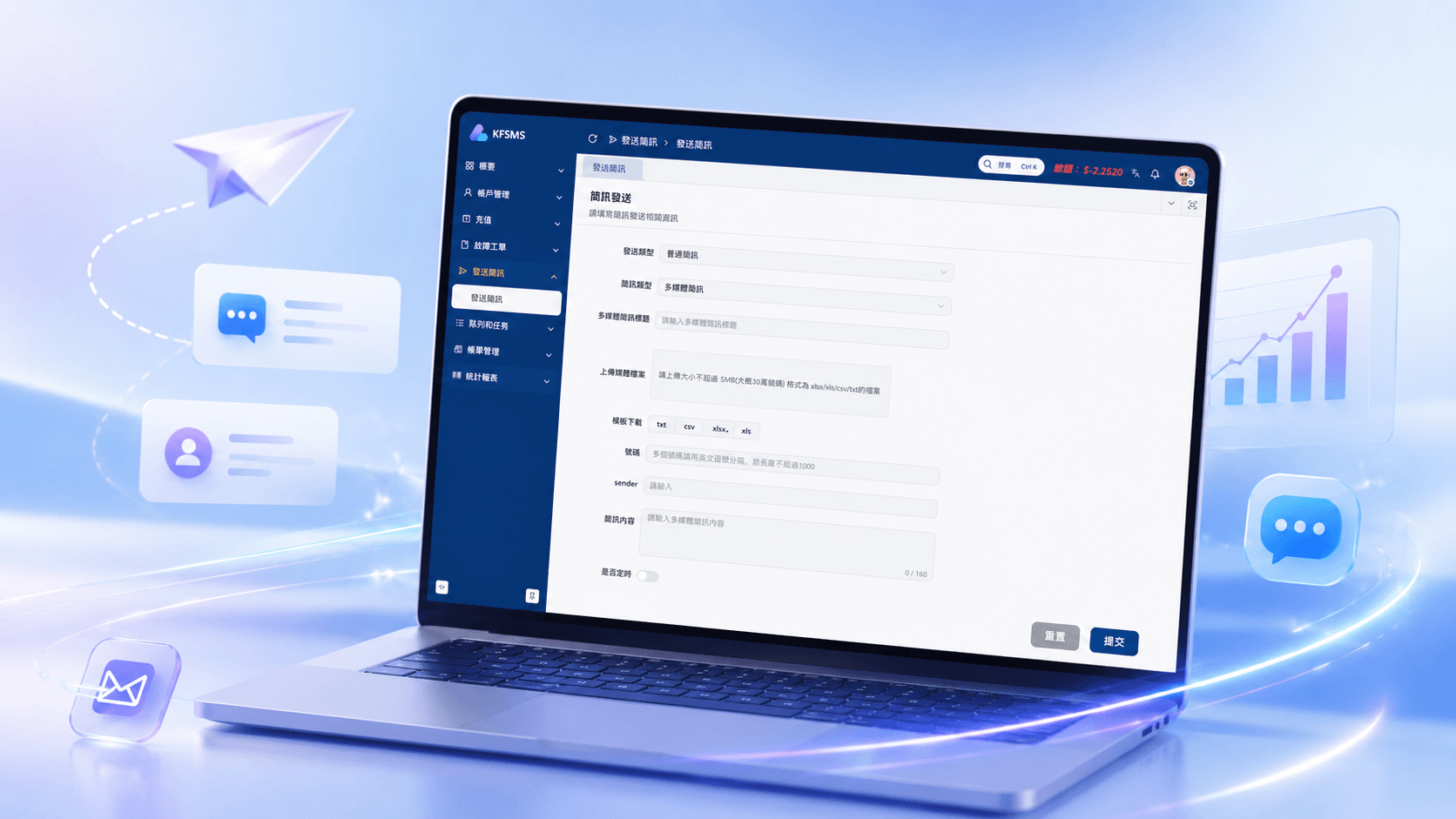
Connect through Web, SMPP, HTTP and API, manage SMS, multimedia messaging, two-way conversations, task scheduling and daily operations, and choose customer-managed or dedicated-server deployment.
Validated in testing and business environments
Who KFSMS serves
Enterprises, resellers and service providers work with different customer volumes, channel relationships and operating responsibilities. KFSMS can be configured around each model.
Connect existing business systems to notifications, verification and customer interaction.
Manage multiple customers, balances and billing while expanding markets and channel resources.
Handle high-concurrency tasks and upstream and downstream access with clear operating visibility.
Two-way SMS
After an SMS is sent, recipients can reply from their phone while your team reviews the full conversation and continues follow-up in KFSMS.
DEMO-TW-0128
Platform
Customer
Platform
Customer
Sending and scheduling
Import recipient lists, edit content, schedule execution and review the task before submission, then follow processing progress and channel results.
Send SMS
Sending method
Recipient list
Message content
Sending time
System strengths
KFSMS supports channel access, task capacity and exception handling with configurable controls for daily operations and growth.
View complete system capabilitiesConnect suppliers and business systems through Web, SMPP, HTTP and API.
Plan connectivity across more than 200 countries and regions and over 2,000 operator resources.
Testing has reached 10,000-level concurrency and more than 100 million messages in a day.
Support text messages and image-plus-text multimedia scenarios.
Reprocess failed tasks according to configured policies.
Pause repeatedly failing channels to contain operational impact.
Apply replacement and keyword blocking rules to outgoing content.
Track roles, tasks and reporting data from the management interface.
Implementation and operations
Connect channels, configure operating rules, send tasks and handle exceptions according to real capacity and business requirements.
Step 01
Connect suppliers and business systems through Web, SMPP, HTTP or API.
Step 02
Set accounts, balances, sending methods and required content controls.
Step 03
Import lists, choose message type and arrange execution time.
Step 04
Review tasks, queues and channel results as work is processed.
Step 05
Apply retry and channel sleep policies when abnormal conditions occur.
Step 06
Review statistics and billing records by account, channel, task and time.
Deployment and partnership
Dedicated physical servers are configured and optimized for KFSMS messaging workloads. The team that deploys the system and fixed outbound IP also remains available for system, hardware and network troubleshooting after launch.
The customer owns the physical server while KFSMS configures the environment around system load, completes deployment and networking, and handles subsequent system and server issues.
Includes software use, routine maintenance and technical response with a lower initial software investment.
Provides long-term use, standard version upgrades, repeated deployment and flexible migration.
Software license fees exclude servers and messaging channel costs. Hardware, hosting and service combinations are planned against actual scale.
Use cases
Customers can reply to appointment, order, event and support messages while operators continue the interaction from KFSMS.
View enterprise use casesSend reminders and let customers confirm or request another time.
Share progress and allow customers to reply when assistance is required.
Confirm that an issue is being handled and collect additional information.
Share event timing and participation details and collect responses.
Invite a direct rating after service and collect practical feedback.
Check product use and let customers report issues or requests.
Next step
Review protocol access, multimedia messaging, two-way conversations, task scheduling and operational controls, then evaluate the right server, license and support model.