
Two-way SMS

Turn every customer reply into a conversation your team can follow

Send business notifications, receive replies from the customer's SMS app and continue communication from the KFSMS workspace.
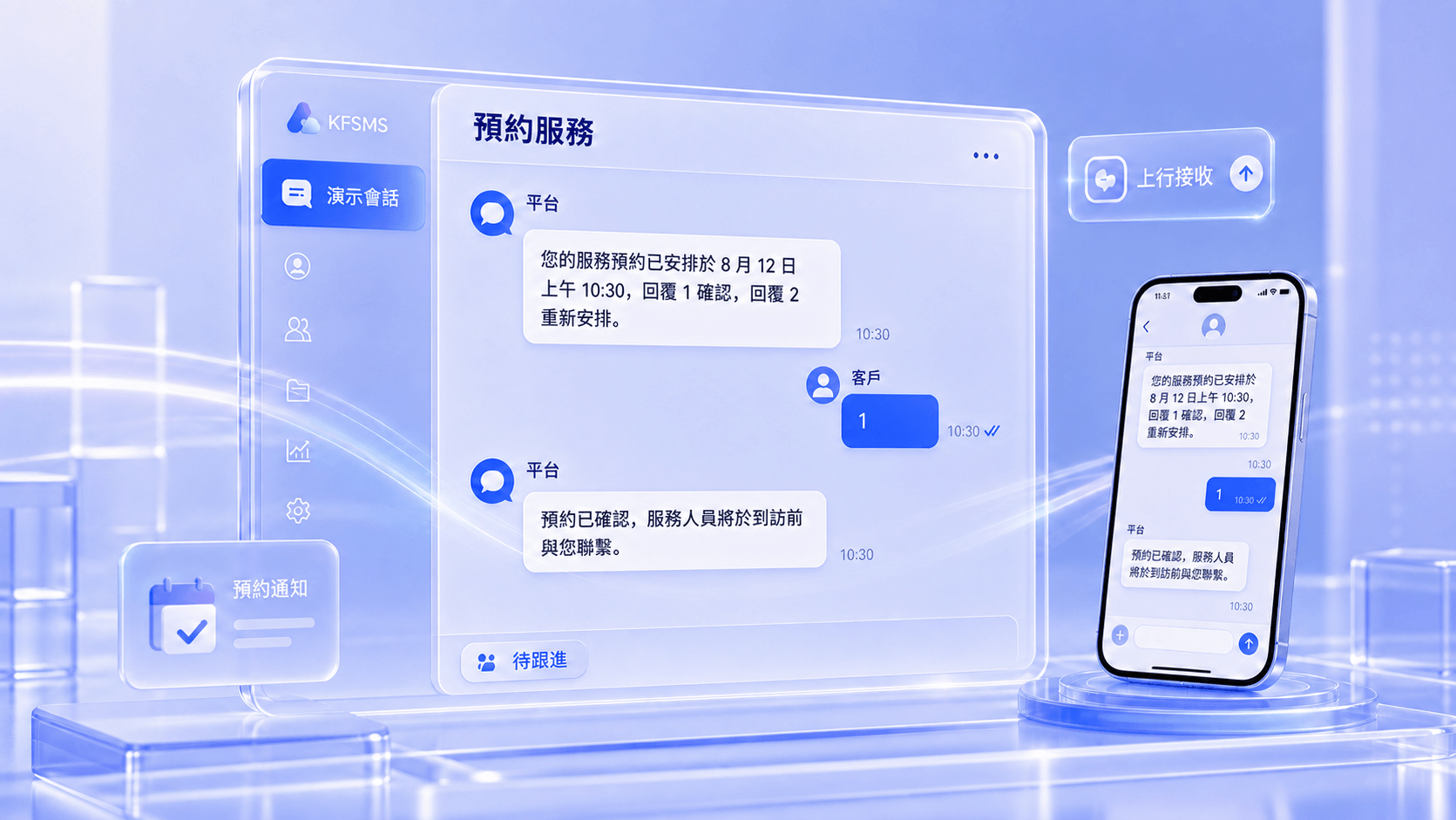
KFSMS two-way SMS appointment-service demo showing platform messages, customer replies, inbound reception and follow-up status

How it works

A complete path from outbound notification to inbound follow-up

  1. 1Create the message
  2. 2Send outbound SMS
  3. 3Customer receives it
  4. 4Customer replies
  5. 5KFSMS receives inbound SMS
  6. 6Reply joins the number history
  7. 7Operator reviews and responds

Conversation capabilities

Reply, search and follow up without leaving the conversation

Inbound SMS reception

Record the replying number, content and received time.

Conversation management

Combine inbound and outbound messages into one complete timeline.

Fast workspace reply

Create a new outbound message from the current conversation.

Search and filters

Find existing messages by number, content and date.

Unread and pending state

Identify unread replies and conversations requiring follow-up.

Task status tracking

Review outbound task state and results returned by the messaging channel.

Two-way SMS

Receive customer replies and keep every conversation in context

After an SMS is sent, recipients can reply from their phone while your team reviews the full conversation and continues follow-up in KFSMS.

  • Receive customer replies
  • Reply from the workspace
  • Group history by mobile number
  • Identify unread conversations
Explore two-way SMS

Appointment service

Demonstration conversation

DEMO-TW-0128

1 unread
  1. Platform

    Your appointment is at 3:00 PM on July 30. Reply 1 to confirm or 2 to change the time.
    Submitted (demo)
  2. Customer

    2
  3. Platform

    Please reply with your preferred date.
    Submitted (demo)
  4. Customer

    Would Friday afternoon work?

Two-way SMS fits workflows that depend on confirmation or continued service

  • Appointment confirmation
  • Order confirmation
  • Delivery updates
  • Customer inquiries
  • Event registration
  • Satisfaction surveys
  • After-sales service

FAQ

Frequently asked questions

Next step

Plan connectivity and deployment around your channels and operating scale

Review protocol access, multimedia messaging, two-way conversations, task scheduling and operational controls, then evaluate the right server, license and support model.

Book a product demo